

"Three kids means three birthday lists plus Christmas. Before this, my family would text each other asking 'did you already get the LEGO set?' Now they just check the list. Problem solved."
WishApp
GimmeThat vs WishApp
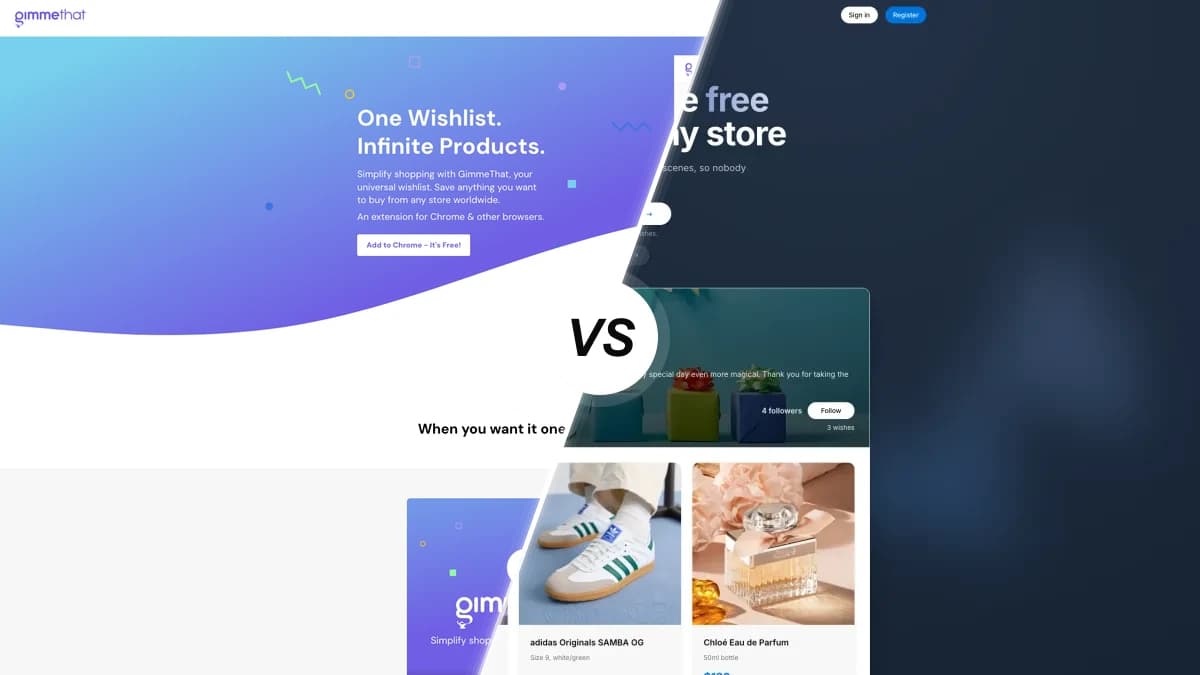
GimmeThat is a Chrome extension that saves products from any store. Simple, private, no fuss. WishApp does that too, but also lets you share lists, hide reservations from the list owner, and works on iOS and Android. Here's the honest breakdown.
We built WishApp, so we're biased. But we'll be honest.
Last updated: February 2026
The quick version
- One-click saving from any online store
- 100% free, no ads, monetized via affiliate links
- Cloud sync across devices via Chrome
- Clean minimal interface, no signup friction
- Native iOS and Android apps plus a browser extension
- Shareable links anyone can view without an account
- Hidden reservations so gift-givers don't spoil the surprise
- Free forever with no premium tier
Feature-by-feature comparison
How GimmeThat and WishApp stack up on the things that actually matter.
| Feature | GimmeThat | WishApp |
|---|---|---|
| Mobile app (iOS and Android) | ||
| Browser extension | Chrome only | |
| Firefox and Safari support | ||
| Works with any online store | ||
| Price monitoring | ||
| Shareable wishlists | ||
| View lists without an account | ||
| Gift reservations | ||
| Group gifting | ||
| No ads or trackers | ||
| Free (no premium tier) | ||
| Private by default |
What actually sets them apart
GimmeThat is private. WishApp is social.
GimmeThat has zero sharing features. Lists are private by design. Honestly, that's fine for some people. But if you want to share a birthday list with family, or let friends reserve gifts without spoiling the surprise, GimmeThat simply can't do it. WishApp was built for exactly that use case.
Chrome only vs. everything else
GimmeThat runs as a Chrome extension. That's it. No Firefox. No Safari. No mobile app. If you use an iPhone, an iPad, or any browser other than Chrome or a Chromium-based browser, GimmeThat is not an option. WishApp has native iOS and Android apps plus a browser extension that works across Chrome, Edge, Firefox, and Safari.
GimmeThat is for personal tracking. WishApp is for sharing.
Get this: GimmeThat has no sharing, no reservations, no way for anyone else to see your list. It's a personal product organizer, full stop. WishApp is the opposite. Share one link, friends reserve items, the owner never sees who got what. Two very different tools solving two very different problems.
Very small product, very early stage
GimmeThat has a 5/5 rating on the Chrome Web Store, but from only 3 reviews. Around 178 total installs. The original company behind it dissolved in January 2024. So it still runs, it's still maintained, but the trajectory is unclear. WishApp is actively developed with 40,000+ users and a support team you can actually reach.
When to pick each one
- Only use Chrome or a Chromium-based browser
- Want a completely private list with no sharing at all
- Need the absolute lightest-weight tool with nothing extra
- Only ever shop for yourself and never need to share a list
- Need to share your list with friends or family
- Want a mobile app on iOS or Android
- Need gift reservations so friends don't accidentally buy the same thing
- Use Firefox, Safari, or switch between browsers
52,000+ wishlists and 150,000+ gifts reserved for birthdays, weddings, and every occasion worth celebrating
"My girlfriend and I share lists with each other. I can reserve stuff without her knowing, which makes birthdays way less stressful. The hidden reservation thing is actually clutch."
"We used this instead of a traditional registry. Added items from 11 different stores. Stuff we actually wanted, not just whatever one store had. Our guests said it was easier too."
Frequently asked questions
GimmeThat vs WishApp: the full picture
What GimmeThat actually is
GimmeThat is a Chrome browser extension that lets you save products from any online store with a single click. It's operated by Jackdaw Holdings Ltd (UK company SC782542). The extension launched in February 2024, though the @GimmeThatHQ Twitter account dates to 2013, suggesting earlier iterations of the idea. The product is simple: save items, keep everything private. It's free, has no ads, and monetizes through affiliate links. On the Chrome Web Store it holds a 5/5 star rating, though from only 3 reviews. There's no mobile app, no sharing, no gift reservation system. What you get is a lightweight, private product list that lives in your Chrome toolbar.
Where WishApp takes a different approach
The most important difference is sharing. GimmeThat has none. WishApp was designed from the start for the exact scenario where you want to tell someone what you want as a gift. Shareable links work for anyone with a browser, no account needed. Friends can reserve items without you seeing who reserved what. And WishApp is available on iOS and Android, not just as a Chrome extension. So if you're building a list for an event, a birthday, or anything that involves other people, GimmeThat simply isn't built for that. It's a personal organizer. Nothing wrong with that. Just know what you're getting.
Which one fits your situation?
These tools solve different problems. GimmeThat is a personal product organizer. WishApp is a shared wishlist tool that also lets you save items from any store. So: if you only shop for yourself, only use Chrome, and never need anyone else to see your list, GimmeThat is clean and lightweight. But if you're creating a birthday list, a holiday gift guide, or anything you want to share with actual people, WishApp is the obvious choice. Try both. Neither costs anything.
Start your free wishlist from any store
Create your first wishlist in under 60 seconds. Free forever, no ads.
Create my wishlist →