Skip to content

Kiki vs. WishApp (2026 Comparison)

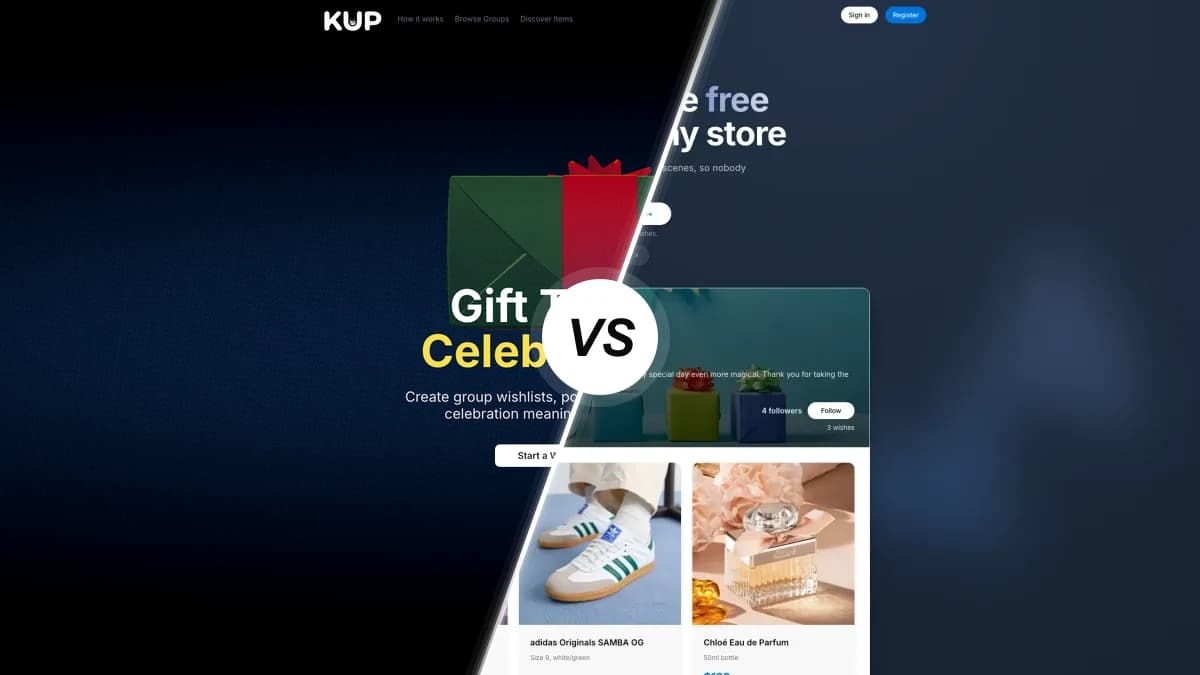
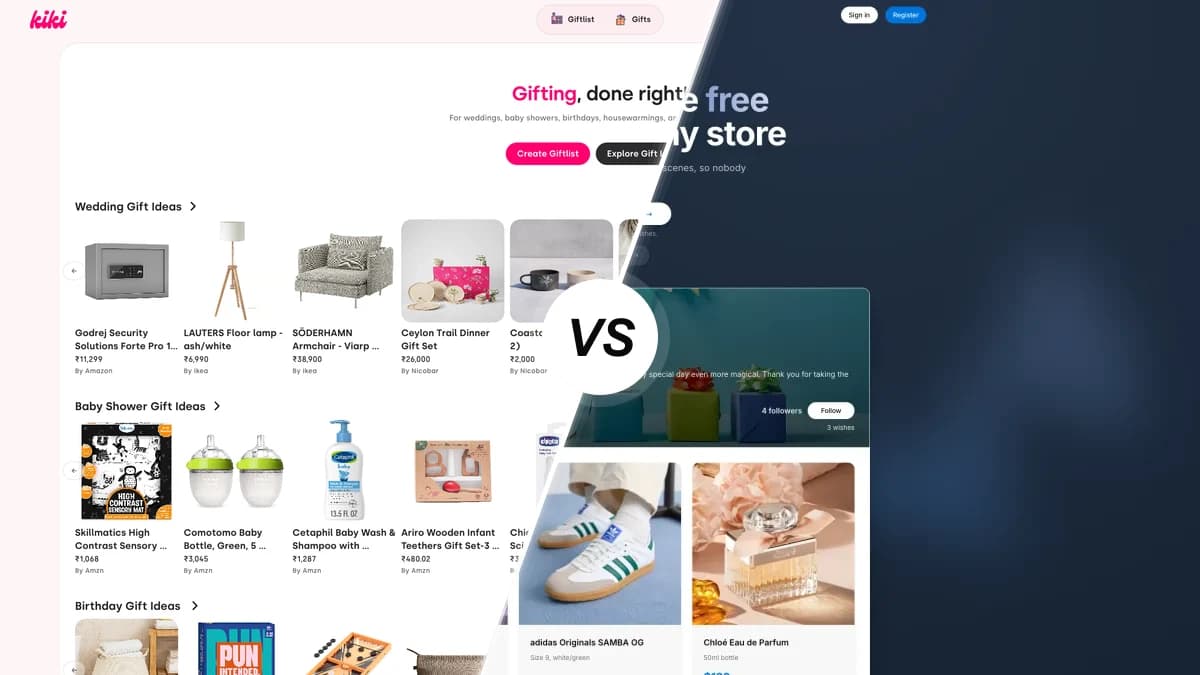
Kiki compared with WishApp, two wishlist and registry apps side by side

Kiki is a young Indian gift registry for weddings, baby showers and cash funds. This review puts it next to WishApp on price, on the devices you can use, and on the gifting features that decide which one you end up keeping.

Last updated: June 2026

Looking for a Kiki alternative? Kiki is a web-only Indian gift registry, and it does one thing WishApp can't: cash and honeymoon funds. It has no app and no browser extension, though, and the list owner can see who gifted what. WishApp is free, runs everywhere and hides reservations. Of the Kiki alternatives, it's the one we'd pick.

Feature comparison

Rows show what each app can do right now. Kiki wins a few, and we've marked those.

FeatureKikiWishApp
Pricing & value
Free to create a listFreeFree forever
Cash and experience fundsBuilt inNot offered
Clear, public pricing modelFees unclearAffiliate-only
Platforms & devices
iPhone, iPad and Android appsWeb onlyiOS + Android
macOS desktop appWeb onlyYes
Browser extensionsNoneSix browsers
Raycast quick-addNoYes
Sharing & privacy
Share with one linkWhatsApp-firstAny link or QR
Friends view without an accountYesYes
Hidden reservations (owner cannot see)Owner sees gifterHidden
Multiple currenciesINR-focusedAll currencies
Gifting features
Secret Santa / gift exchangeYesYes
Duplicate-gift preventionYesYes
Reserved and received trackingNo archiveYes
Collaborative listsNot foundYes
Ease of use
Add from any store by pasting a linkAuto-fillsAuto-fills
Save a product in one click while browsingNo extensionYes
Independent ratings and track recordNone yetApp store reviews

A closer look

Pricing and value

Making a list is free in both. Kiki's clearest win comes next: cash and experience funds are built in, so guests can chip in toward a honeymoon, a travel fund or a new-home pot. WishApp has no cash-fund option. The catch with Kiki is what happens to that money. It publishes no fee for the fund flows, so you don't really know what the platform keeps. WishApp is simpler. Everything is free, it's paid for by affiliate links, and there's no paid tier.

Platforms and devices

On devices it's one-sided. Kiki only runs in a web browser, with no iPhone or Android app, no Mac app and no browser extension. WishApp has apps for iPhone, iPad, Android phones and tablets and macOS, extensions for Chrome, Edge, Firefox, Opera, Brave and Safari, and a Raycast add-on, all sharing the same list. If you build a registry once at a desktop, Kiki's gap matters less. For everyday gifting on the go, it matters a lot.

Sharing, privacy and reservations

Privacy is where they part ways. Both share with one link and let guests view without an account, and Kiki's WhatsApp-first sharing suits how Indian guests already talk to each other. But Kiki lets the list owner see who gifted what. Its own testimonials praise that it 'keeps track of who gifted you what.' WishApp does the opposite. Reservations are hidden, so the person getting the gifts never sees who claimed anything, and the surprise survives.

Gifting and group features

Both apps run Secret Santa, so they're even there. Kiki's organiser is a polished standalone product with one-link invites, budget setting and an automatic name draw, and Kiki says more than 1,000 groups use it. WishApp has Secret Santa as well, plus a couple of things Kiki doesn't: lists you can manage with others, and an archive of reserved and received gifts with notes like 'from Sarah' so you remember next year. Kiki stops at the registry and the draw, with no shared editing and no received view.

Ease of use and adding items

Both apps fill in item details when you paste a product link, and Kiki's occasion catalogs give you a helpful starting point for weddings, baby showers and pet adoptions. Away from the desktop, Kiki gets slow. With no app and no extension, you copy and paste every URL by hand. WishApp fills in the title, image and price from any product link, or saves it in one click from the browser extension while you shop.

Which one should you go with?

Choose Kiki if…

  • You want guests to contribute cash toward a honeymoon, travel fund or new home, not just buy physical gifts.
  • You're planning an Indian wedding, baby shower or housewarming and want INR pricing, Indian marketplaces and WhatsApp-native sharing.
  • You only ever use a web browser and don't need a phone app or a one-click extension.
  • You like adding from a curated, occasion-specific catalog instead of hunting for items yourself.

Choose WishApp if…

  • You want hidden reservations, so the person getting the gifts never sees who claimed what.
  • You add gifts from your phone or while browsing on a laptop and want a one-click save.
  • You need real apps on iPhone, iPad, Android and macOS, and you shop across global stores in any currency.
  • You want a proven platform with 50,000+ users, public app-store reviews and a clear, free model.

Kiki FAQ

50,000+ people already making wishlists

Start your free wishlist from any store

Create your first wishlist in under 60 seconds. Free forever, no ads.

Create my wishlist →
No duplicate gifts Friends reserve in secret Works with any store