

Skip to content

Wishlists vs. WishApp (2026 Comparison)

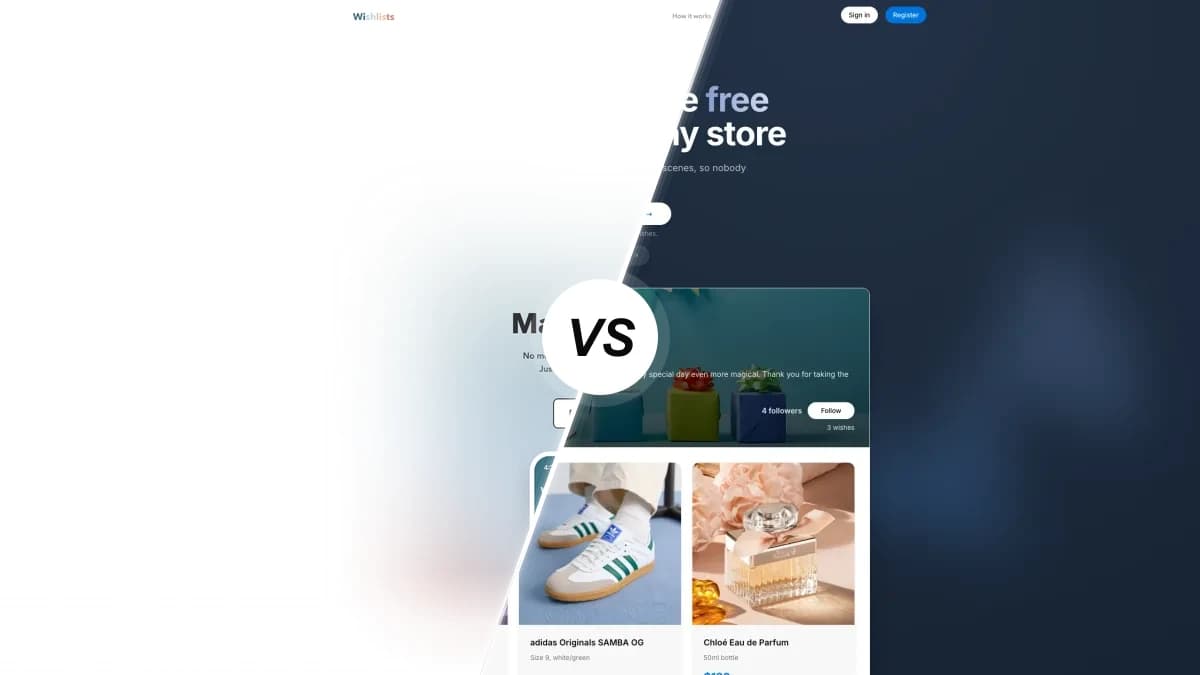
Wishlists compared with WishApp, two wishlist apps side by side

Plenty of people swear by Wishlists, a polished German app, for Secret Santa. We looked at how it compares with WishApp on price, on the devices you can use, and on what your friends have to do before they can reserve a gift.

Last updated: June 2026

Looking for a Wishlists alternative? Wishlists is a lovely mobile app with the best Secret Santa draw around. But it only runs on phones, and gift-givers have to install it before they can reserve anything. WishApp is free forever, works in every browser and on desktop, and friends reserve straight from a link without installing an app. Of the Wishlists alternatives, WishApp is the one we'd pick.

Feature comparison

Each row covers what the apps do today. Wishlists wins a few, and those are marked as well.

FeatureWishlistsWishApp
Pricing & value
Free forever, no subscriptionFreemiumEverything free
Unlimited lists and itemsUnlimitedUnlimited
No adsNever any adsNo ads
All features included, no paywallSome paidYes
Platforms & devices
iPhone, iPad and Android appsiOS + AndroidiOS + Android
Full web app to create and manageMobile onlyYes
Browser extensionsNoneFive browsers
Raycast quick-addNoYes
Sharing & reservations
Friends view a shared list without an accountYesYes
Reserve a gift without installing the appApp requiredNo account needed
Hidden reservations (owner cannot see)YesYes
Collaborative listsNoYes
Gifting features
Secret Santa / gift exchangeBest-in-classYes
Reserved and received trackingReserved onlyBoth
Group gifting / chip-inNoYes
Barcode scanner for in-store itemsYesNot offered
Ease of use
Add from any store by pasting a linkAuto-importAuto-fills
Save a product in one click while browsingNo extensionYes
In-app language support29 languagesEnglish + Danish

A closer look

Pricing and value

Both apps are free to start, and neither shows ads. With WishApp every feature is free forever, and there's no premium tier at all. Wishlists is freemium. The core is free, but extras like priority flags and custom list images sit behind a subscription that ranges from $1.99 a month to a $29.99 lifetime unlock. What's awkward is that Wishlists never tells you which features are paid, so you run into the paywall halfway through using it.

Platforms and devices

Devices are the big gap. Wishlists is mobile-only, with no web app and no browser extension, so if you shop on a laptop you have to pick up your phone to add anything. The macOS version is an iOS Catalyst build and needs an Apple Silicon Mac. WishApp runs on iPhone, iPad, Android, macOS and the full web, with extensions for Chrome, Edge, Firefox, Opera and Safari and a Raycast add-on. Your list is the same on all of them.

Sharing and reservations

Sharing is where the choice gets made. In both apps, friends can open a shared link and see the list without an account. To actually reserve a gift on Wishlists, though, they have to download the app and sign up. That's the most common complaint in its reviews, and it leads to people buying duplicates. WishApp lets anyone reserve straight from the link, no app needed. Both hide reservations from the list owner, so the surprise survives in either one.

Gifting and group features

Wishlists deserves real credit for its Secret Santa, the feature people rave about. There's a spinning draw wheel, budget settings and invitations, and it copes with groups of 20 or more. You could argue it's more polished than WishApp's. WishApp answers with range: it runs Secret Santa too, and adds collaborative lists, group gifting and a reserved-and-received view that remembers a gift came 'from Sarah'. Wishlists has no group chip-in and no shared editing. One thing Wishlists has that WishApp doesn't is a barcode scanner for adding products in a physical store.

Ease of use and adding items

Both apps are easy to use every day, and Wishlists is beautiful. Reviewers call it 'stunning' and 'minimalist', and saving from the share sheet on your phone is quick. Where it falls short is reliability and reach. Some users report 'page could not be opened' errors when importing from certain shops, and you can't add anything from a desktop. WishApp fills in the title, image and price from any link, and its extension saves a product in one click while you browse. Wishlists is localized in 29 languages in the app, while WishApp's mobile app is English and Danish only.

Which one should you use?

Choose Wishlists if…

  • You run a Secret Santa every year and want the best draw-wheel experience, with budgets and invitations for groups of 20 or more.
  • You live on your phone and rarely shop on a laptop, so a mobile-only app doesn't hold you back.
  • You shop in physical stores and want to scan a product's barcode to add it on the spot.
  • A polished, modern design matters to you, and you don't mind paying a few dollars to unlock the extras.

Choose WishApp if…

  • You want friends to reserve gifts straight from a link, with no app to install.
  • You add gifts from a laptop or browser and want a one-click extension on Chrome, Edge, Firefox, Opera or Safari.
  • You want everything free forever, without a paywall in front of the features you care about.
  • You want a full web app and a team-backed product, not a phone-only app run by one developer.

Wishlists FAQ

50,000+ people already making wishlists

Start your free wishlist from any store

Create your first wishlist in under 60 seconds. Free forever, no ads.

Create my wishlist →
No duplicate gifts Friends reserve in secret Works with any store