

Skip to content

WishUpon vs. WishApp (2026 Comparison)

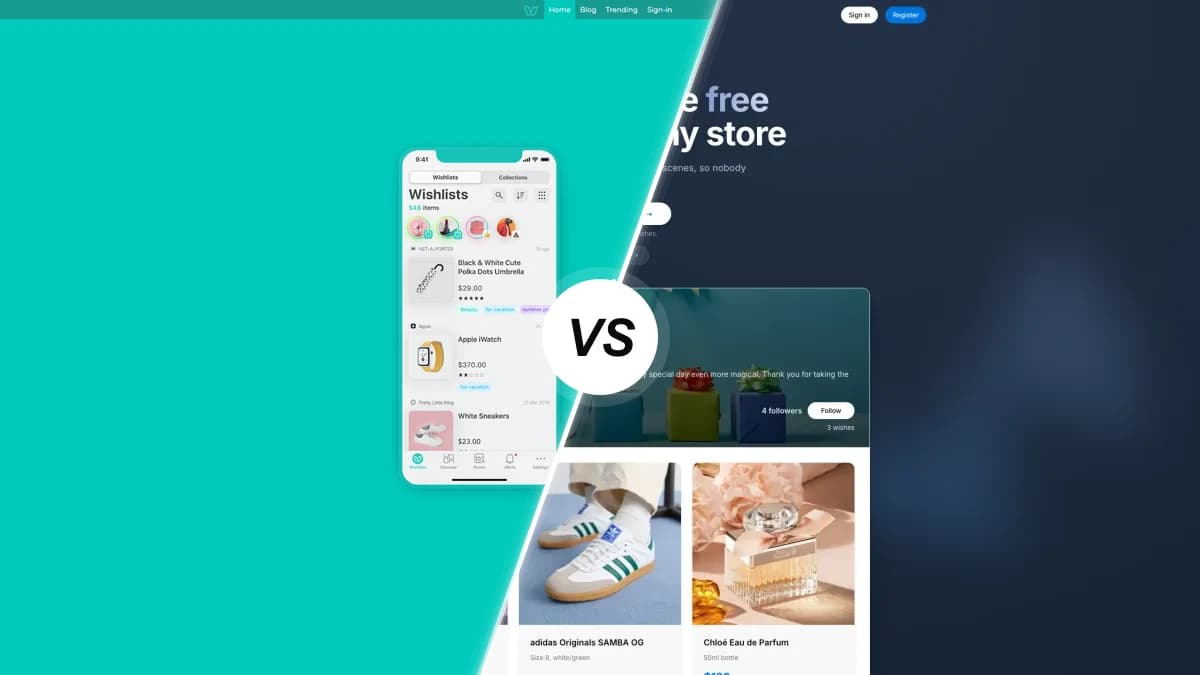
WishUpon compared with WishApp, two wishlist apps side by side

WishUpon is the Paris-based shopping wishlist known for price-drop alerts and a fashion-forward feel. Here is how it stacks up against WishApp on price, the devices it runs on, ads, and the gifting features that decide which one you keep.

Last updated: June 2026

Looking for a WishUpon alternative? WishUpon is a polished shopping wishlist with genuine price-drop alerts, but it shows ads on Android and locks notes and unlimited lists behind a $1.99/month plan. WishApp stays free forever, runs ad-free on every browser, and hides reservations natively. Among WishUpon alternatives, WishApp is the one we'd pick.

Feature comparison

Every row reflects what each app actually does today. WishUpon genuinely wins a couple, so we marked those too.

FeatureWishUponWishApp
Pricing & value
Free forever, no subscriptionLimited free tierEverything free
Unlimited lists and items1,000/mo, then paidUnlimited
No adsAds on AndroidNo ads
Price-drop alertsYesNot offered
Platforms & devices
iPhone and Android appsiOS + AndroidiOS + Android
Tablet layouts (iPad, Android)Phone-scale onlyYes
Browser extensionsChrome onlyFive browsers
Raycast quick-addNoYes
Sharing & privacy
Friends view without an accountYesYes
Prices shown on shared listHiddenVisible
QR code for a listNoYes
No ads or data trackingTracks across appsNo tracking
Gifting features
Hidden reservations (owner cannot see)Buggy Secret ModeYes
Secret Santa / gift exchangeNoYes
Collaborative listsNoYes
Duplicate-item detectionNoYes
Ease of use
Add from any store by pasting a linkYesAuto-fills
Add notes (size, color, preferences)Paid onlyFree
Dark modeNot on AndroidYes

A closer look

Pricing and value

Both apps start free. The difference is what free gets you. WishApp keeps every feature free, with no subscription, ever. WishUpon's free tier caps you at 1,000 saved items a month and three pinned items, then asks $1.99/month for notes, unlimited lists, and a purchased-items list. Worth knowing: that subscription doesn't remove the ads on Android. So you can pay WishUpon and still see ads.

Platforms and devices

WishUpon covers the basics: an iPhone app, an Android app, a web app, and a Chrome extension. That's it. No Firefox, Safari, Edge or Opera extension, no Raycast, and no tablet layouts, so an iPad or Android tablet runs the phone-scale app. WishApp reaches further: iPhone, iPad, Android phone and tablet, macOS, plus extensions for Chrome, Edge, Firefox, Opera and Safari, and a Raycast add-on. Same list, wherever you are.

Sharing, privacy and reservations

Here's where the gap shows. WishUpon lets friends view and reserve without an account, which is the right call. But shared lists reportedly don't show prices, so gift-givers click into every item to check. Its Secret Mode, the feature that keeps the surprise, is repeatedly reported as hard to find or broken. WishApp shows prices on the shared view, generates a QR code, and hides reservations from the owner natively. WishApp also runs no ads and sells no data, while WishUpon's App Store disclosure says it tracks you across other companies' apps.

Gifting and group features

For a personal save-for-later list, WishUpon is fine. For coordinated gifting, WishApp does more. It runs Secret Santa, lets a few people co-manage one list, warns you when an item is already saved, and tracks what you've reserved and received with a note like 'from Sarah'. WishUpon has none of that: no Secret Santa, no collaborative editing, no duplicate detection. One reviewer reported deleting a single duplicate wiped their whole list of 163 items.

Price tracking and adding items

This is WishUpon's real edge. It tracks price drops and pushes an alert when a saved item goes on sale, plus an in-app browser for shopping without leaving the app. WishApp doesn't track prices at all, so if waiting for a sale is your main goal, WishUpon wins that round. On adding items, both grab a product from a pasted link. WishApp also auto-fills the title, image and price, and saves in one click from the browser extension. WishUpon's price alerts, though, draw repeat complaints that they stop firing.

Which one is right for you?

Choose WishUpon if…

  • You mainly want a save-for-later list and genuinely care about price-drop alerts when items go on sale.
  • You like shopping inside the app with the built-in browser, and a deals feed doesn't bother you.
  • You want the app interface in French, German, Italian, Japanese, Korean or Chinese, not just English or Danish.
  • You identify with the Paris fashion aesthetic and don't mind paying $1.99/month for notes and unlimited lists.

Choose WishApp if…

  • You want everything free forever, with unlimited lists, notes and no ads on any device.
  • You save gifts while browsing on a laptop and want a one-click extension on Chrome, Edge, Firefox, Opera or Safari.
  • You run Secret Santa, share lists with family, or need reservations the list owner genuinely cannot see.
  • You want prices visible on the shared list, dark mode everywhere, and an app that doesn't track you across other apps.

WishUpon FAQ

40,000+ people already making wishlists

Start your free wishlist from any store

Create your first wishlist in under 60 seconds. Free forever, no ads.

Create my wishlist →
No duplicate gifts Friends reserve in secret Works with any store