Skip to content

Kadolog vs. WishApp (2026 Comparison)

Kadolog compared with WishApp, two gift list platforms side by side

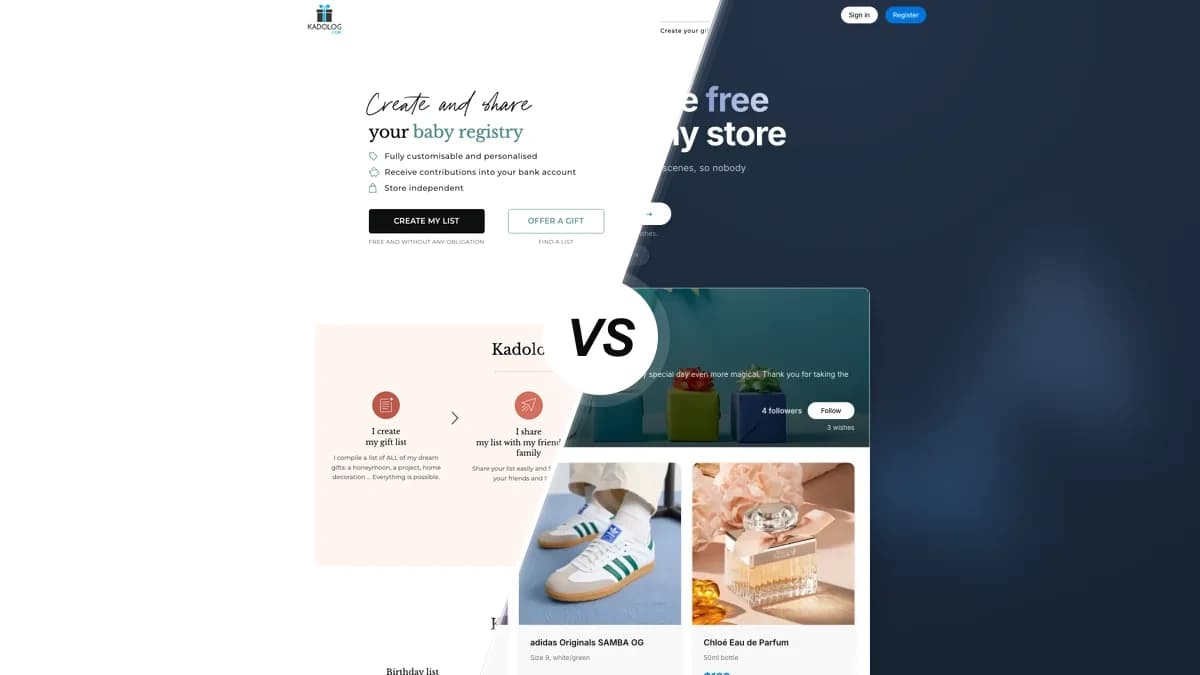
Kadolog is a Belgian registry, running since 2008, built around cash gifts that end up in your bank account. Next to WishApp, the differences come down to price, the devices you can use, and how guests actually give you something.

Last updated: October 2026

Kadolog is a Belgian registry that sends cash gifts to your bank account, but taking payments costs €29 or €39 per list, plus 2.4% on every card payment. WishApp is free forever, runs on phones, desktops and five browsers, and never touches money. Of the Kadolog alternatives, it's the one we'd pick.

Feature comparison

Kadolog wins on cash gifts paid straight to your bank account. Both let several guests chip in on one gift.

FeatureKadologWishApp
Pricing & value
Free forever, no per-list feeFree until paywallAlways free
Unlimited lists and itemsUnlimitedUnlimited
No per-transaction fee2.4% on cardsNo fees
Cash gifts to your bank accountPaid tiers onlyNot offered
Platforms & devices
iPhone, iPad and Android appsWeb onlyiOS + Android
macOS desktop appWeb onlyYes
Browser extensionsDelisted 2025Five browsers
Push notificationsNo appYes
Sharing & privacy
Share with one linkYesYes
Guests reserve straight from the linkYesYes
No identity check to receive giftsID check for payoutsNone needed
Gifting features
Reservations hidden from the ownerYesYes
Secret Santa drawDraw toolYes
Guests pool money for one giftYesYes
Lists you manage togetherNo co-ownerYes
Ease of use
Add from any store by pasting a linkBookmarkletFills in details
Save a product in one click while browsingNo extensionYes
Interface built for phonesDated Drupal UIYes

Side by side

Pricing and value

Creating lists and adding items is free on both. The difference starts when a guest wants to pay online. On Kadolog, card payments and bank transfers need the Premium tier at €29 per list, or Extra at €39, which adds reminder emails. There's also a 2.4% fee on every card payment. Paid entirely by card, a €2,000 wedding registry costs the couple about €77 in total. WishApp is free forever and never charges the owner or a guest anything.
Platforms and devices

This is the widest gap. Kadolog is a Drupal website and hasn't released a mobile app since it launched in 2008. Its only Chrome extension was delisted in September 2025, so adding items now means using a bookmarklet. WishApp has apps for iPhone, iPad, Android phones and tablets and macOS, extensions for Chrome, Edge, Firefox, Opera and Safari, and a Raycast add-on. Your list is the same everywhere, and your phone gets push notifications.

Sharing, privacy and reservations

Both get the basics right. You share one link, guests open the list without an account, reserving takes a couple of taps, and the owner can't see what's been reserved, so the surprise holds. Kadolog does this well. Money is where they split. To receive online payments on Kadolog, the owner has to pass an identity check, send proof of their IBAN and ID, and draw the money out of a wallet that users say has weekly transfer limits. WishApp never moves money, so there's no identity check, no wallet and nothing to verify.

Gifting and group features

Kadolog is built for big life events, and it shows. Several guests can chip in toward one expensive gift through a group pool, you can flag items as second-hand, and its Secret Santa draw tool handles exclusion rules. WishApp has group gifting and Secret Santa too, plus collaborative lists, a view of what's been reserved and received, and updates when a list you follow changes. Kadolog can also collect contributions online and pay them out to your bank account. If that's the point, Kadolog is the better fit.

Ease of use and adding items

Kadolog's Magic Button is a bookmarklet for desktop browsers that pulls in an item's image, title and price, a smart fix for a tool without an extension. The rest is harder going. One comparison site calls the Drupal interface dated and complex, and setup means working through several steps for privacy and payment options. Payments are the bigger problem: Trustpilot reviews keep describing failed card payments, especially with French banks. WishApp fills in the details from any product link, or saves an item in one click from the browser extension, and there's no payment step to go wrong.

Which should you pick?

Choose Kadolog if…

  • You want guests to send cash straight to your bank account instead of buying and delivering items, and a one-time fee of €29 or €39 doesn't bother you.
  • You're planning a wedding or baby registry in Belgium, where the partner discount card and a familiar name actually help.
  • You want guests to pay toward one expensive gift online, with the money paid out to your bank account.
  • You'd use extras like flagging second-hand items or browsing a built-in database of gift ideas.

Choose WishApp if…

  • You want a gift list that's free forever: no per-list fee, no card surcharge and no paywall after ten gifts.
  • You add gifts from your phone or while browsing on a laptop, and want to save them in one click.
  • You want real apps on iPhone, iPad, Android and macOS, not just a website.
  • You'd rather guests reserve a gift in one tap than deal with card payments, IBAN proof and identity checks.

Kadolog FAQ

Partly. Creating lists and adding items is free and unlimited, and guests can buy and deliver gifts themselves at no cost. Online payments and bank-transfer contributions need a one-time fee of €29 per list, or €39 for the Extra tier. The free tier also stops at 10 received gifts, then asks you to pay. Every WishApp feature is free, with no limit.

No. Kadolog is web only, and since launching in 2008 it has never released an iPhone, iPad, Android or macOS app. Its only Chrome extension was delisted in September 2025, which leaves a browser bookmarklet. WishApp has native apps on every major platform and extensions for five browsers.

For most people, WishApp. It's free forever, works on phones, desktops and five browsers, and adds collaborative lists and updates from lists you follow. Kadolog's real strength is cash paid into your bank account, so if you want guests to send money rather than gifts, look at Kadolog first.

Card payments go through Worldline, and Trustpilot reviews from 2023 to 2026 report failures again and again, especially with French banks such as Crédit Agricole and LCL. Kadolog blames the banks and the processor, not its own platform. A failed payment sometimes still marks a gift as reserved, so it disappears from the list and no money arrives. WishApp doesn't handle money, so there are no payments to fail.

Making a list is free. Receiving online payments costs €29 per list for Premium, or €39 for Extra, which adds reminder and thank-you emails. Card payments also carry a 2.4% processing fee. WishApp costs nothing: no paid tier and no transaction fees.

Not anymore. Its Chrome extension was removed from the Chrome Web Store in September 2025, and there's no Firefox, Safari or Edge version. What's left is a JavaScript bookmarklet you drag to your bookmarks bar. WishApp's extension saves any product in one click on Chrome, Edge, Firefox, Opera and Safari.

Kadolog has no export tool, so you'll add your items again rather than import them in one go. In WishApp that part is quick, because any product link you paste brings its title, image and price along. The browser extension saves items in one click.

Compare other wishlist apps

Choosing between more than two apps? Our ranking of the best wishlist apps compares them side by side.

Getting ready for the holidays? Draw names for Secret Santa with a wishlist for everyone in the group, or use our Christmas list maker to share one list with the whole family.

Send one link, get the gifts you want

Save gifts from any store in one free wishlist. Friends reserve in secret, so nobody doubles up.

Make my wishlist

4.9(1,000+ reviews worldwide)